
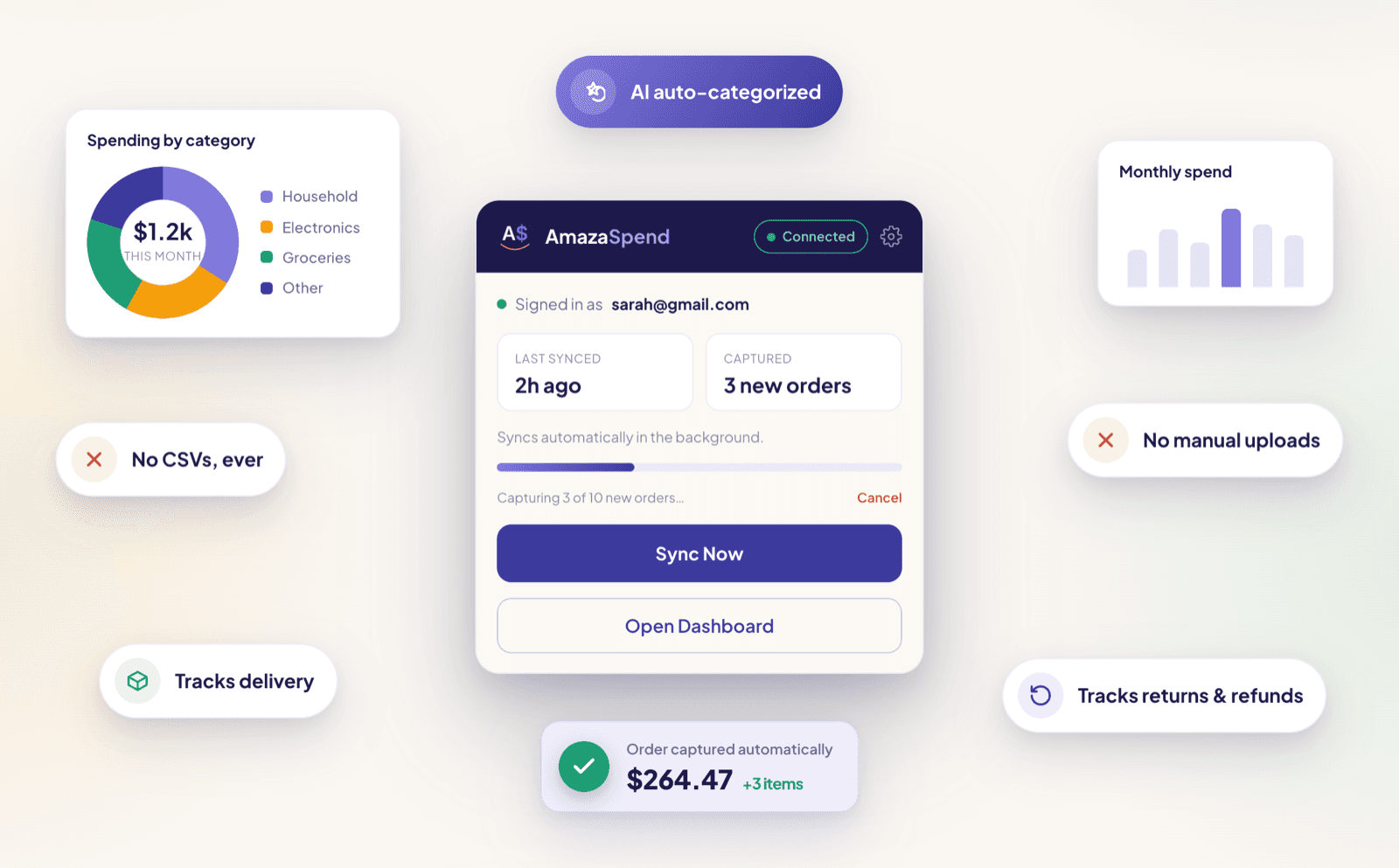
For a long time, getting your Amazon data into AmazaSpend meant one of two things: exporting a CSV from your order history, or uploading PDF invoices one by one. It worked, but it was a chore. You had to remember to do it, and you had to repeat it every time you wanted fresh numbers.
That chore is over.
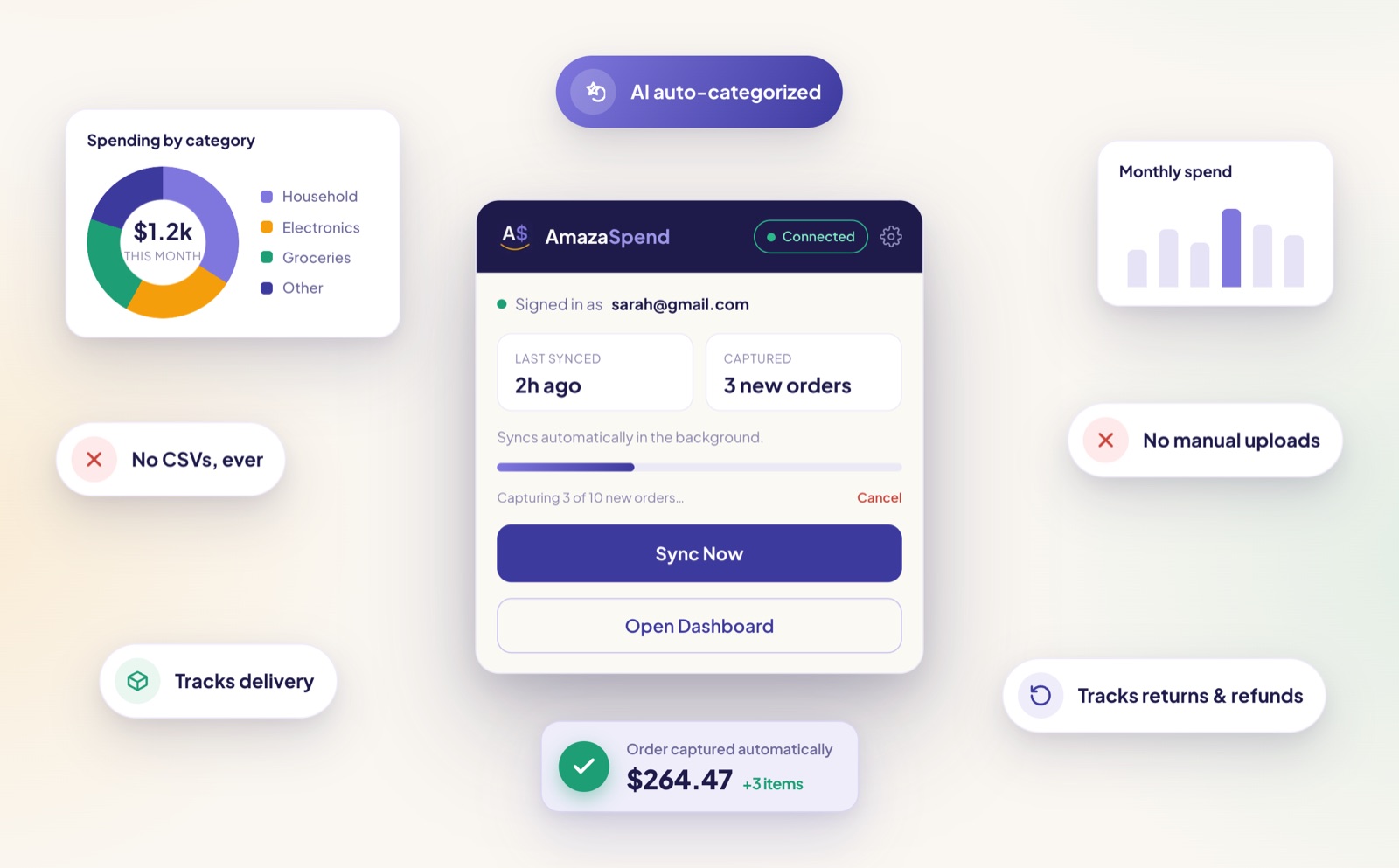
The AmazaSpend browser extension is now live on the Chrome Web Store. Install it once, sign in, and it captures your Amazon orders quietly in the background as you browse your account pages. No exports. No uploads. No spreadsheets. You shop on Amazon the way you always have, and your dashboard fills itself in.
Here's everything it does, how to set it up, and why it's the easiest way to keep your spending picture current.
What the extension actually does
The extension reads the order and return pages you already visit on Amazon, and sends that data to your AmazaSpend account. It captures three things automatically:
- Orders and items, every order you open, broken down to the item level with prices, dates, sellers, and taxes
- Returns and refunds, when you visit the Returns Centre, it captures the full return timeline and refund amounts
- Delivery dates, so you can see how long items actually took to arrive, not just when you ordered them
All of it flows straight into the same dashboard you'd get from a CSV upload: categories, impulse vs. essential, price trends, budget pacing, returns analysis. The difference is you never have to think about it again.
How to install and set it up
Setup takes about two minutes.
- Add the extension from the Chrome Web Store and pin it to your toolbar so it's easy to reach
- Click the extension icon to open the popup, then sign in with your AmazaSpend email and password
- Open Amazon and go to your account, the extension captures each order page as you view it
- To pull in your history all at once, go to your Amazon order history page and use the bulk sync, which works through your recent orders for you
The popup is your control panel. It shows when you last synced, how many orders were captured, and whether you're connected. When you're on an Amazon order page, a Sync Now button lets you capture on demand, and from your order history page the extension can bulk-sync everything it hasn't seen yet.
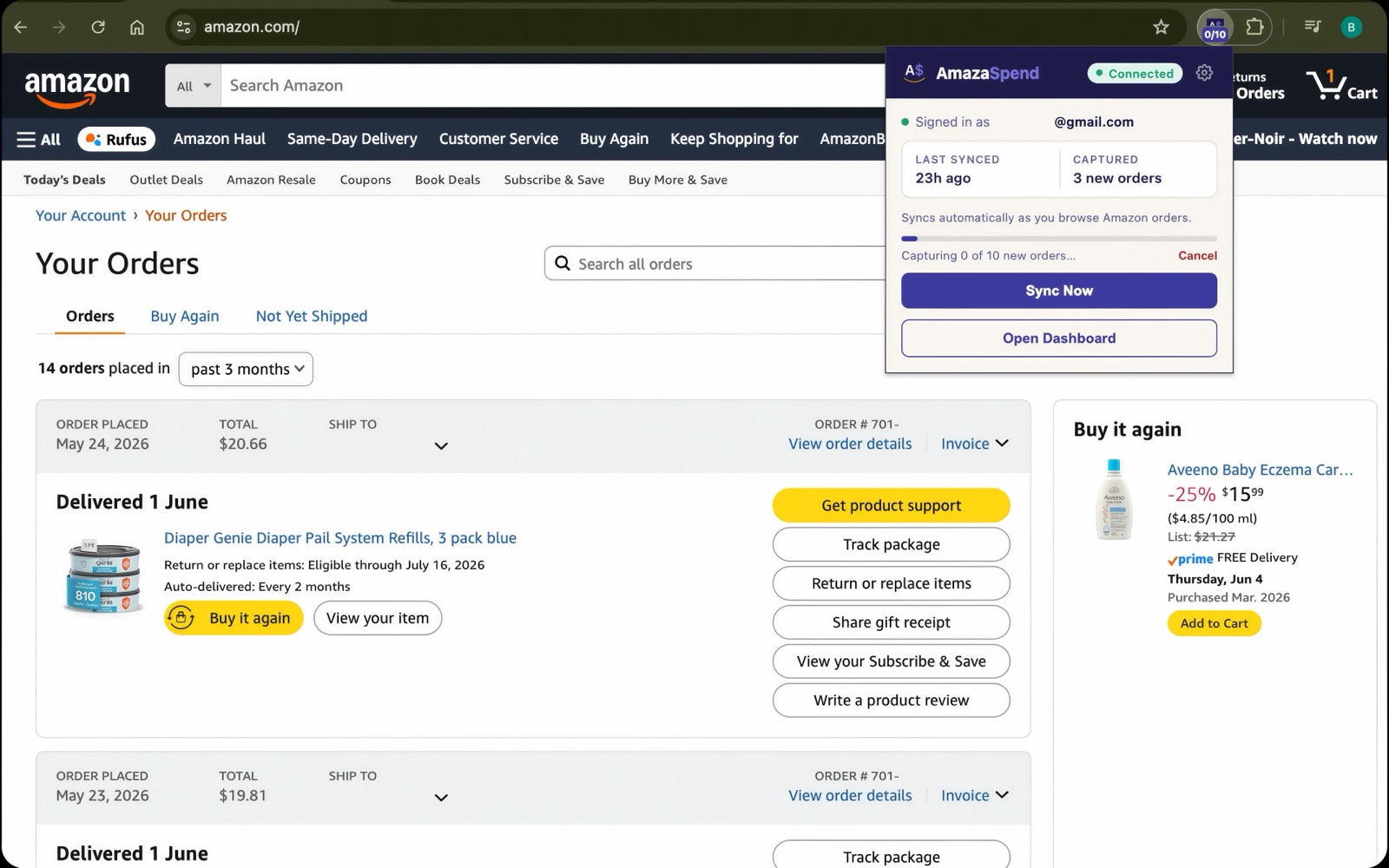
The first bulk sync is the satisfying part. You point it at your order history, and your dashboard goes from empty to a full year of categorized spending while you make a coffee. After that, you don't have to do anything deliberate at all. The next time you open an order to check a delivery date or start a return, the extension quietly picks it up, so your numbers stay current as a side effect of normal shopping.
CSV upload vs. the extension
Both paths get your data into AmazaSpend. Here's how they compare.
| CSV upload | Browser extension | |
|---|---|---|
| Setup | Export a file from Amazon each time | Install once, sign in once |
| Keeping it current | Manual, you have to re-export | Automatic as you browse |
| Order and item detail | Yes | Yes |
| Delivery dates | Limited | Captured automatically |
| Returns and refund timeline | Limited | Captured automatically |
| Effort per month | A few minutes, every month | None |
The CSV path is still there, and it's a great way to load a big chunk of history fast. The extension is for people who'd rather set it up once and forget it.
Is this safe? Yes, and here's why
We built the extension to be as boring and trustworthy as possible.
- It's read-only. It never modifies your Amazon pages and never places orders or changes anything in your account.
- It never stores your Amazon password. You sign in to AmazaSpend inside the popup, not to Amazon. The extension never sees or saves your Amazon credentials.
- It only reads order and return data. It looks at the same order, returns, and delivery information you can already see yourself, nothing outside that.
- You can uninstall anytime. Remove it from your browser in one click and it stops, no strings attached.
It does exactly one job: it reads the order pages you visit and tidies that data into your dashboard.
Which browsers are supported
Chrome, Firefox, and Edge are live now, each with its own listing on the Chrome Web Store, Firefox Add-ons, and the Edge Add-ons store. The extension also works in other Chromium-based browsers like Brave and Arc through the Chrome Web Store.
A dedicated Safari build is coming soon, currently in review. If you're on Safari, you can join shortly. Everyone else is ready today.
The extension supports Amazon.ca, Amazon.com, and Amazon.co.uk.
What you get once it's syncing
This is the point of it all. Once your orders are flowing in, your dashboard becomes a live picture of your Amazon spending:
- Category breakdown, where your money actually goes, with every item categorized automatically by AI
- Impulse vs. essential, what percentage of your spending was planned vs. reactive, by month and by item
- Price trends, how the price you pay for recurring items has moved over time
- Returns analysis, what you sent back, when, and how much you got refunded, with the full timeline the extension captures
- Budget pacing, where you stand against your category budgets partway through the month
And because the extension keeps capturing as you shop, all of this stays current on its own. You open your dashboard and it's already up to date, no export, no upload, no monthly ritual to remember. That's the real shift. The value of spending data is in seeing it regularly, and the friction of keeping it fresh is exactly what stops most people. Take the friction away and the habit takes care of itself.
The extension comes with Pro, alongside everything else Pro includes: your full history, PDF invoice uploads, the per-item price trend graph, and the complete order lifecycle view. If you've been uploading CSVs, this is what makes the whole thing run itself.
The short version
You browse Amazon the way you always have. The AmazaSpend extension reads the order pages you visit, captures your orders, returns, and delivery dates, and keeps your dashboard current without a single export. It's read-only, it never touches your password, and you can remove it anytime.
If exporting CSVs was the thing standing between you and actually understanding your Amazon spending, that thing is gone.
Add AmazaSpend to Chrome, 7-day free trial →